 | 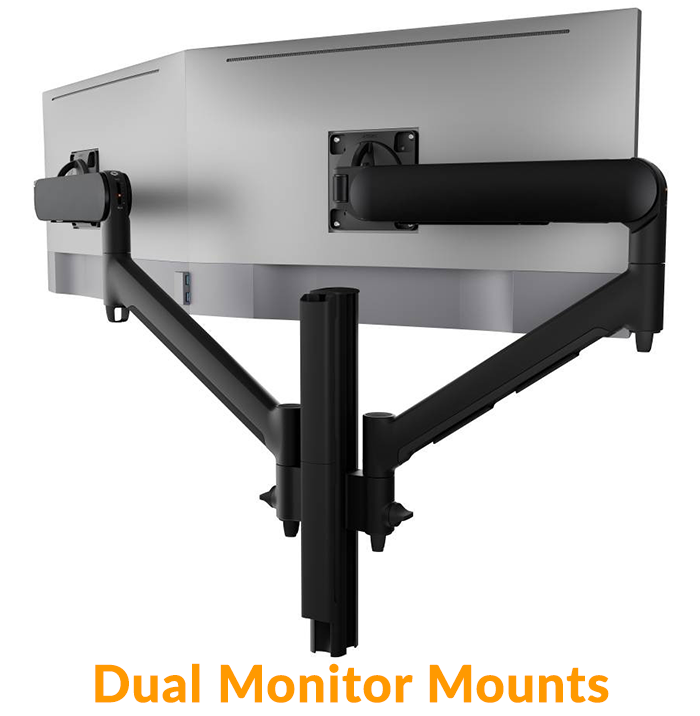 |  | 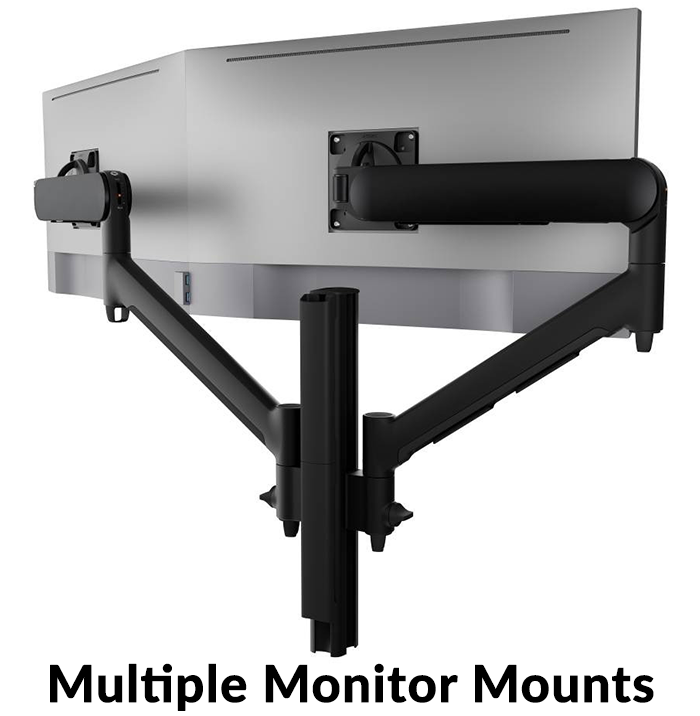 |
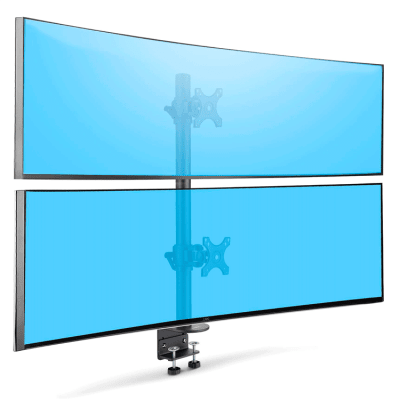
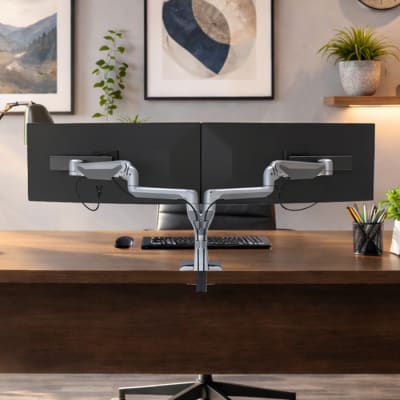
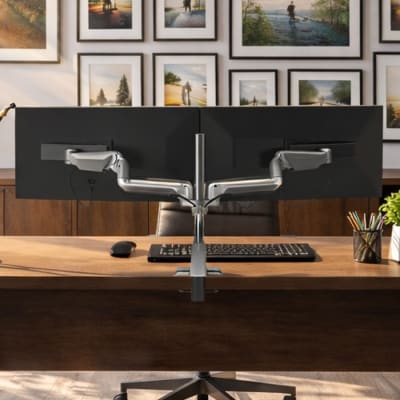
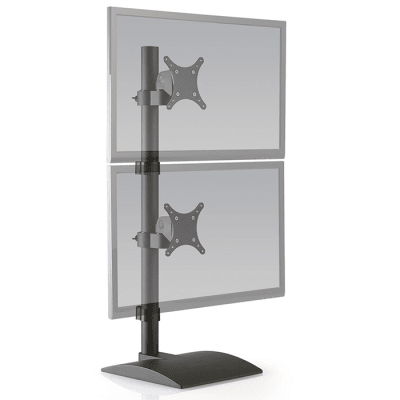
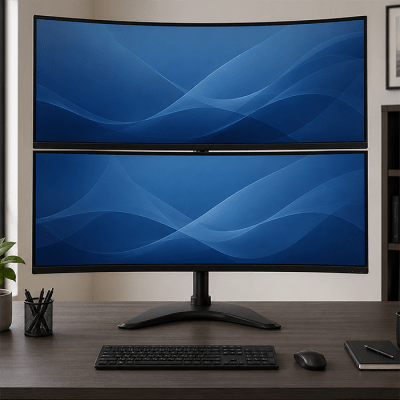
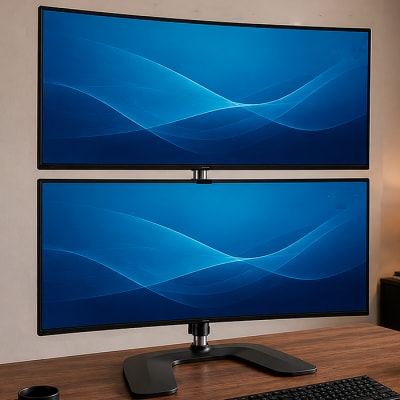
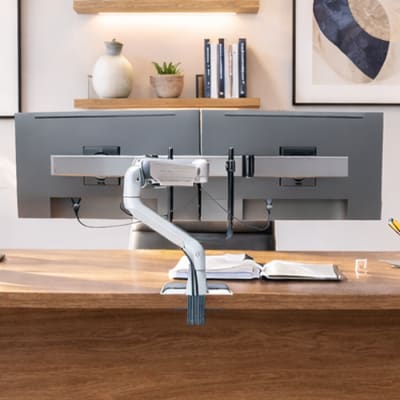
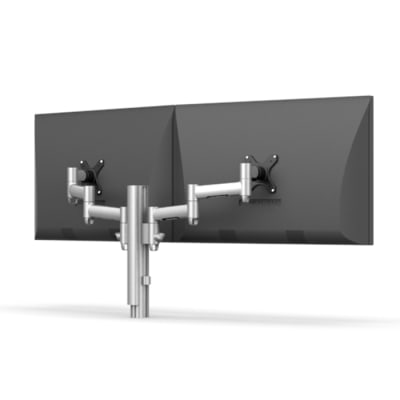
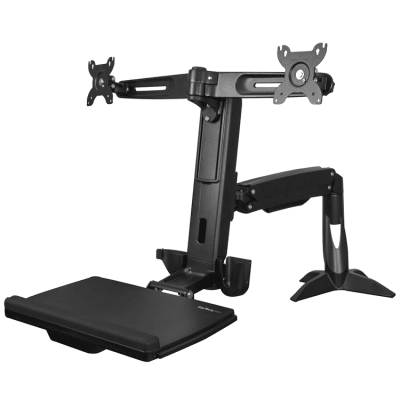
When shopping for a dual monitor mount, you will need to know the monitors weight and the VESA hole pattern on the back (the standard arrangement of mounting holes). We offer many configurations like a standard side by side, or the very popular dual vertical - one over the other.
Another crucial decision is how the dual monitors will be mounted. Choose from several base types - desk clamp, grommet, bolt-through, wall mount, or freestanding.


When selecting a dual monitor desk mount you will also find many additional options to choose from like side by side and dual vertical mounting, depth and height adjustable monitor arms and other accessories to make sure your monitors are placed exactly where you want them. Feel free to reach out to us for assistance; a mount specialist would be happy to find a compatible monitor mount system that will meet or exceed your needs. All of our dual monitor holder options are VESA compatible.
Types of Mounting Bases Explained
Not all mounts attach the same way. Here’s a quick breakdown of the four main base types you’ll find when shopping for a dual monitor mount.
Desk Clamp
A clamp mount attaches to the edge of your desk using a strong vice-like grip. It’s easy to install and remove without drilling any holes.
Grommet Mount
A grommet mount uses a hole already in your desk (often for cable management) or requires drilling a new hole. It’s sturdier than a clamp but slightly more permanent.
Bolt-Through Mount
A bolt-through mount is similar to a grommet, but it bolts directly through the desk for maximum stability — great for heavier setups.
Monitor Weight Capacity
Every dual monitor mount has a weight limit (one for flat monitors, and one for curved screens). Before buying, check the weight of each monitor — usually listed in the product manual or online.
For example, if your screens weigh 12 lbs each and the mount holds up to 28 lbs, you’re good to go. Never exceed the weight limit; doing so can damage the mount, your desk, or the monitors themselves.
Benefits of Using a Dual Monitor Mount
Before we dive deeper into the technical stuff, let’s look at why a dual monitor mount is worth the investment.
Increased Productivity
Studies have shown that using two monitors can boost productivity by up to 42%. With a dual monitor mount, you can easily multitask — view emails on one screen while working on a project on the other — without constantly minimizing windows.
Better Ergonomics
A dual monitor mount helps you align your screens at eye level, reducing neck and eye strain. Proper posture can also help prevent back pain caused by hunching over your desk all day.
Decluttered Workspace
One of the biggest perks of a dual monitor holder is the extra desk space it frees up. By lifting your monitors off the desk surface, you’ll have more room for other essentials like notebooks, speakers, or a nice cup of coffee.