Home > MONITOR MOUNTS

Monitor Mounts and Monitor Arms for Single and Multiple Monitors

To simplify the monitor mount and monitor arm selection process, we have defined the monitor mounts by number of monitors supported and the size and weight the mount will support. When selecting a computer monitor mount, you will also need to determine the type of mounting base desired; desk clamp, grommet, bolt-through or freestanding on the desktop.
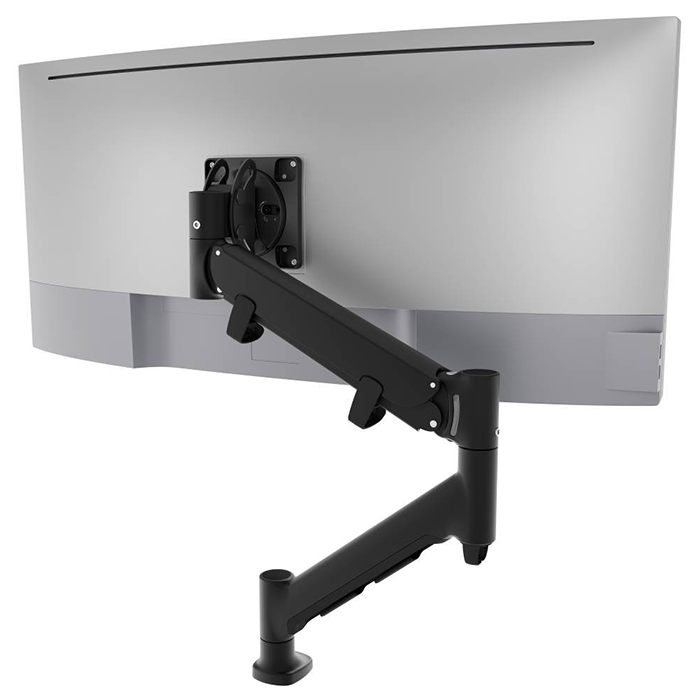
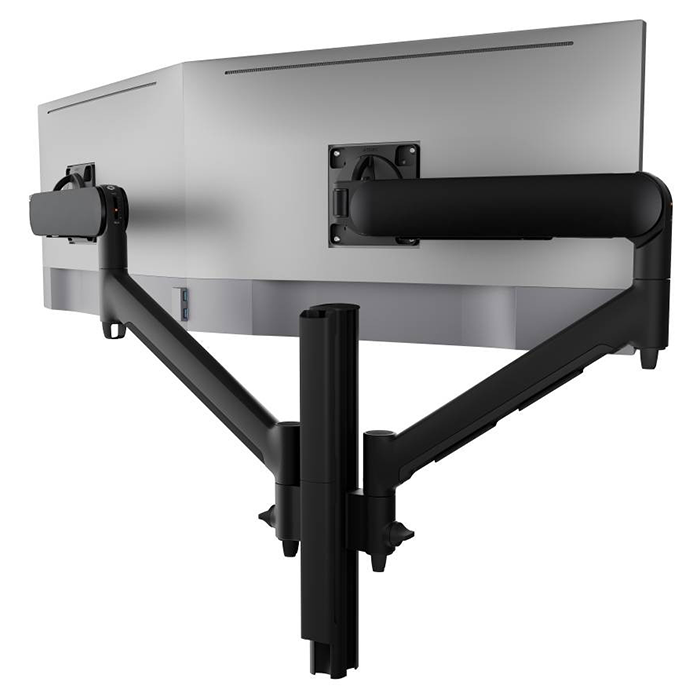
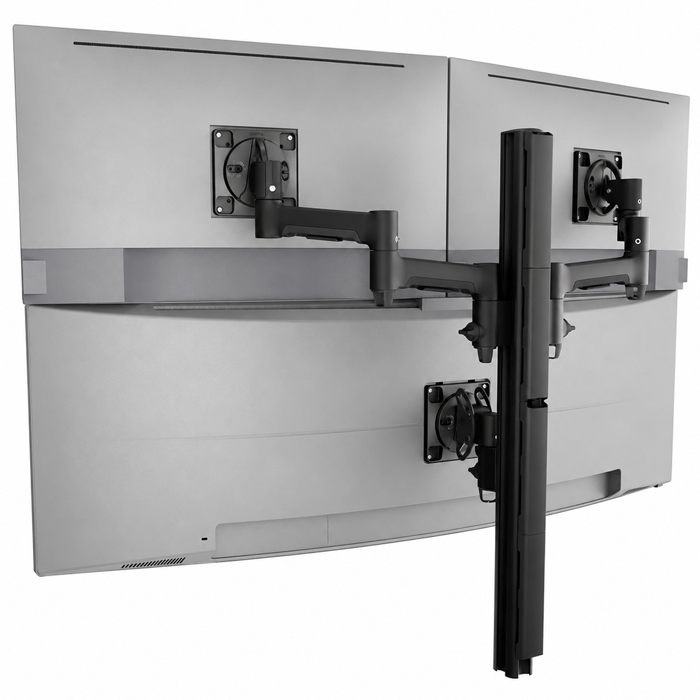
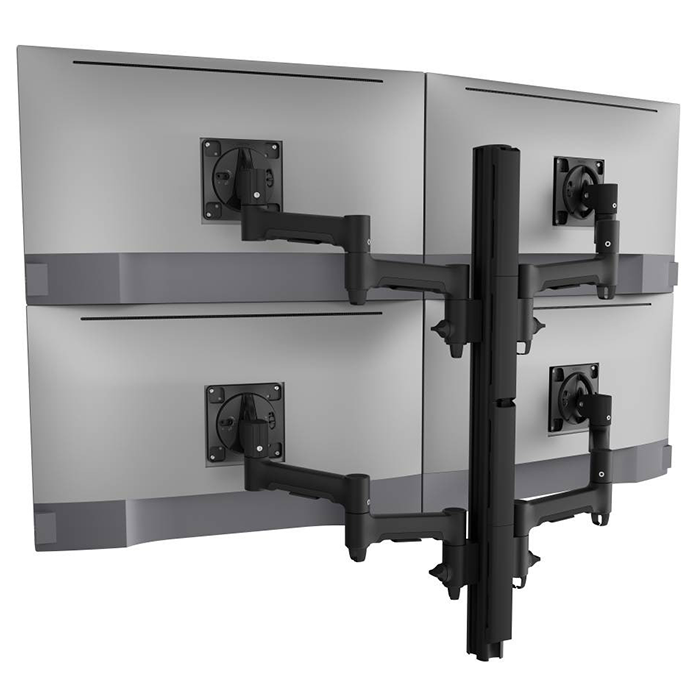
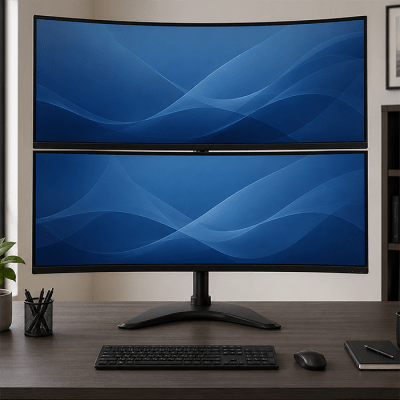
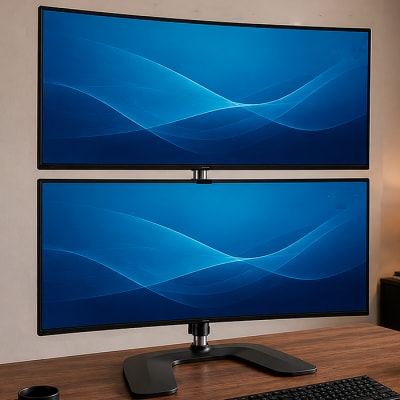
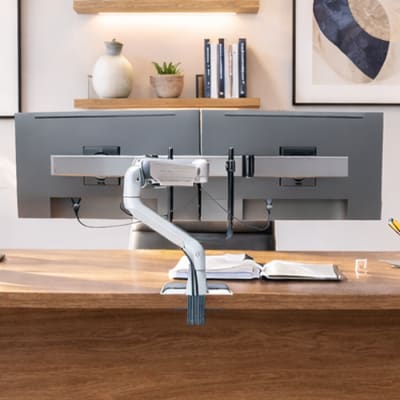
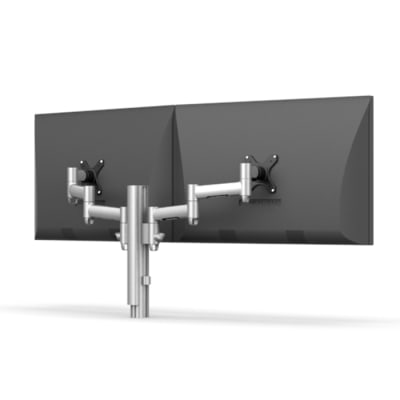
Large and Curved Screen Monitor MountsSingle Monitor Mounts - A Monitor Mount for 1 MonitorDual Monitor Mounts - A Monitor Mount for 2 MonitorsTriple Monitor Mounts, A Monitor Mount for 3 MonitorsQuad Monitor Mounts and Multiple Monitor Mounts for 4 or more Monitors
Curved MonitorsSingle MonitorsDual MonitorsTriple MonitorsMultiple Monitors


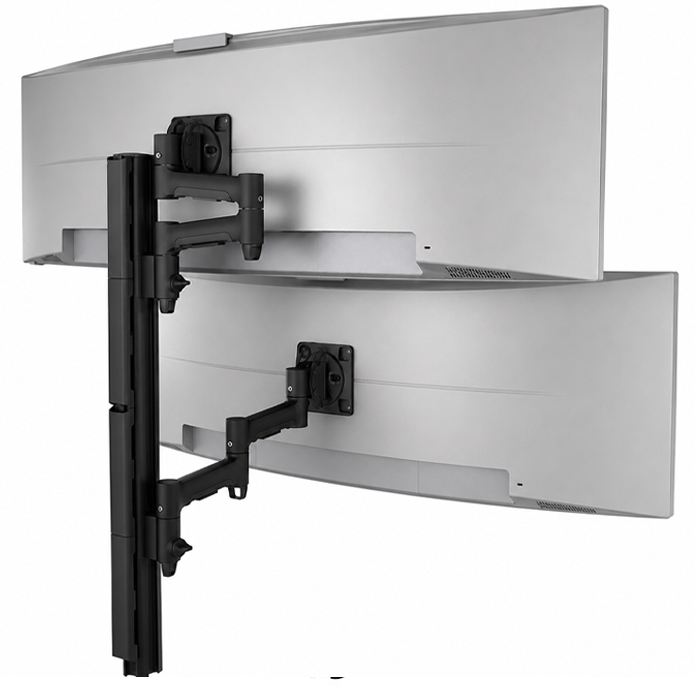
Choose from a wide selection of curved, single, dual, triple and multiple monitor mounts. Featuring a highly versatile component based computer monitor mount system, the AWM Monitor Mount System by Atdec as well as the highly popular Large and Curved Screen Monitor Mounts category which includes heavy duty monitor mounts.

Filters

Filters

Sort By:
Products per page

Shop by Product Brand

Chief Manufacturing (9)
Human Active Technology (24)
Peerless-AV (1)
Atdec (30)
Crimson (2)
Ergotron (7)
COMPULOCKS (3)

Mounting Base

Desk Clamp (48)
Grommet (39)
Bolt-Through (47)
Freestanding (15)
Wall (6)
Bolt-Down (3)

Mount Location

Desk, Table or Countertop (64)
Freestanding (6)
Wall (6)

Screen Type

Monitor (70)
TV (2)
Tablet (3)
Laptop (3)

Number of Screens

One (28)
Two (17)
Three (10)
Four or More (13)
A few things to consider when Selecting a Monitor Mount or Monitor Arm:

  • Is my Monitor Compatible with the Monitor Mount I will Choose:
    Most manufacturers use a universal mounting pattern called VESA (Video Electronics Standards Association) that allows the mounting of your computer monitor to a monitor mount. For this reason, it's important that you know what mounting pattern your monitor has, and compare that with the mount specifications. Noone wants to get their new computer monitor mount, only to find out their monitor won't mount to it. But not to worry, we are your mount specialist. Additionally, monitor manufacturers like Samsung offer the VESA mounting hole pattern, but require an adapter that is in the monitor box. For this reason, we have added a post to our mounting blog, informing our customers of how Samsung monitors attach to monitor mounts. Click here to visit the blog post which gives specific instruction for Samsung monitors.

  • Will the Monitor Arm I Choose Accommodate the Size and Weight of my Monitor:
    We have clearly listed the monitor size, weight and the number of monitors the mount will support. Many monitors are now widescreen and if your mounting more than one, it's crucial to check the width parameters of the desk monitor mount or desk arm before purchasing. Same with weight, if you have an articulating arm, and the mechanism is designed for certain weights to work properly, make sure you check for weight compatibility.

  • Will the Mount I Choose Attach to my Desk without Modification:
    If you choose a desk clamp, which is most popular, it's important to know if your desk will have a deep enough lip so that the desk clamp will firmly attach to the desk. If not, you might consider a grommet mount. Grommet mounts also need consideration as a grommet needs to mount through a hole in your desktop surface so permanent modification of your desk may be needed. But more and more desks already have a grommet hole that can be used for this purpose. Again, if you have any questions, we are happy to help; a mount specialist is standing by to assist you.
Empty Cart